To improve usability and efficiency on the project page, several enhancements have been introduced:
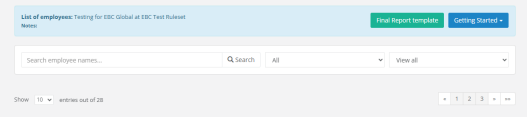
1. The project list is now paginated, allowing it to be split across multiple pages:
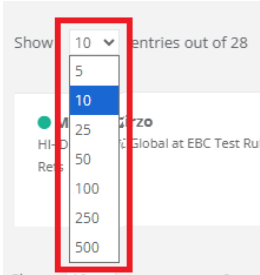
2. Pagination controls allow you to choose how many items are displayed per page:
3. A new search function has been added to help quickly locate employees within a project:

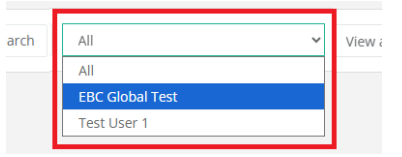
4. A new filter is available to select and show files by Reference Handler directly within the project:
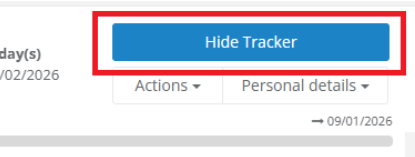
5. Show Tracker view can now be be closed by selected Hide Tracker:
Note: When navigating to the Project page using Go to Project from within a box, only the employee associated with the current file will be displayed. To return to viewing all files, reselect the appropriate option from the Status dropdown (View All, View Active Only or View Inactive Only).

Was this article helpful?
That’s Great!
Thank you for your feedback
Sorry! We couldn't be helpful
Thank you for your feedback
Feedback sent
We appreciate your effort and will try to fix the article